Microsoft Edge Secure Network VPN Reviews: Is It Safe and Worth Using?
A balanced review of Edge Secure Network, including its privacy limits, data cap, and when to use a full VPN.
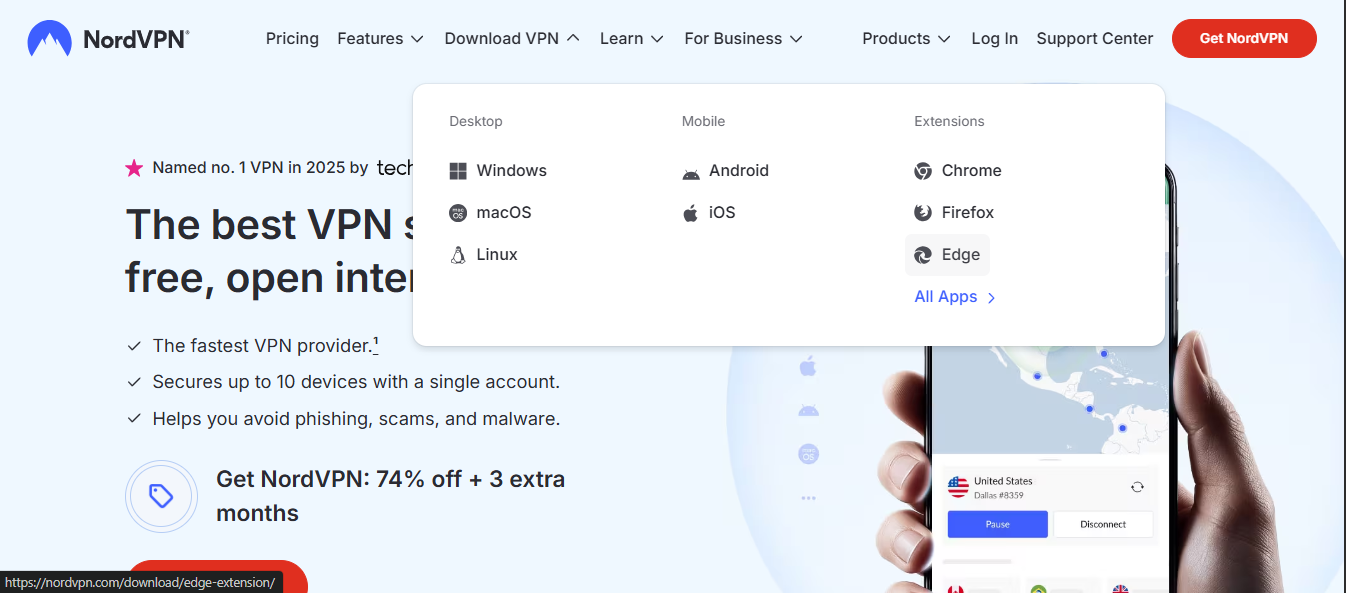
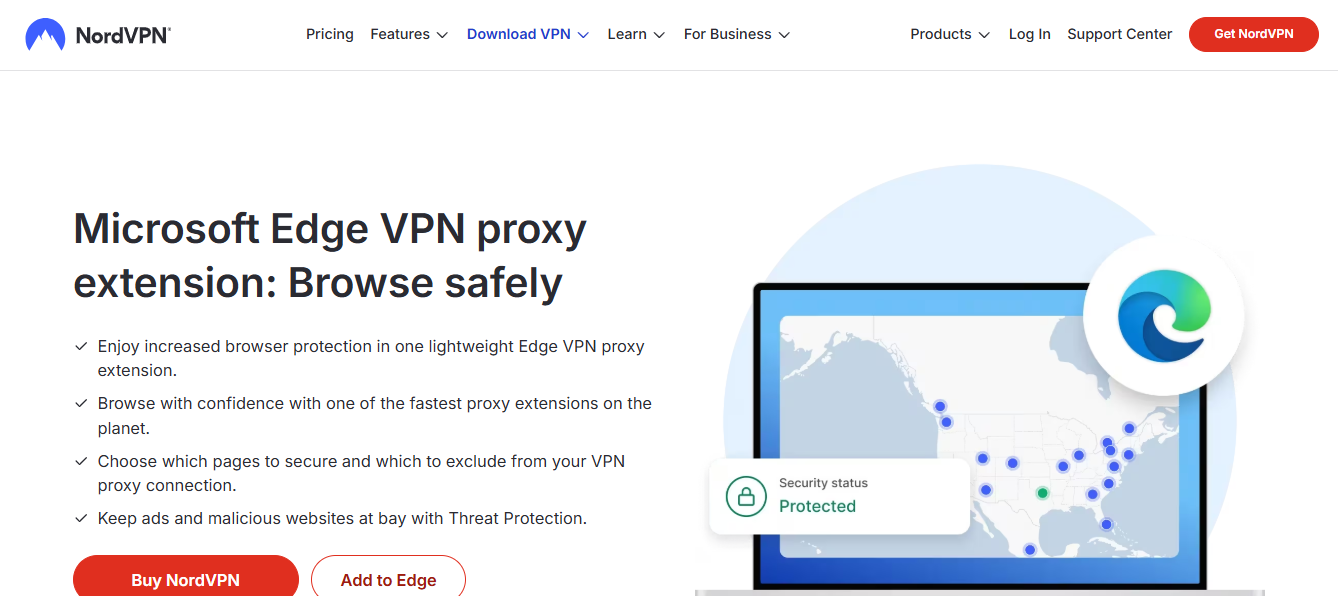
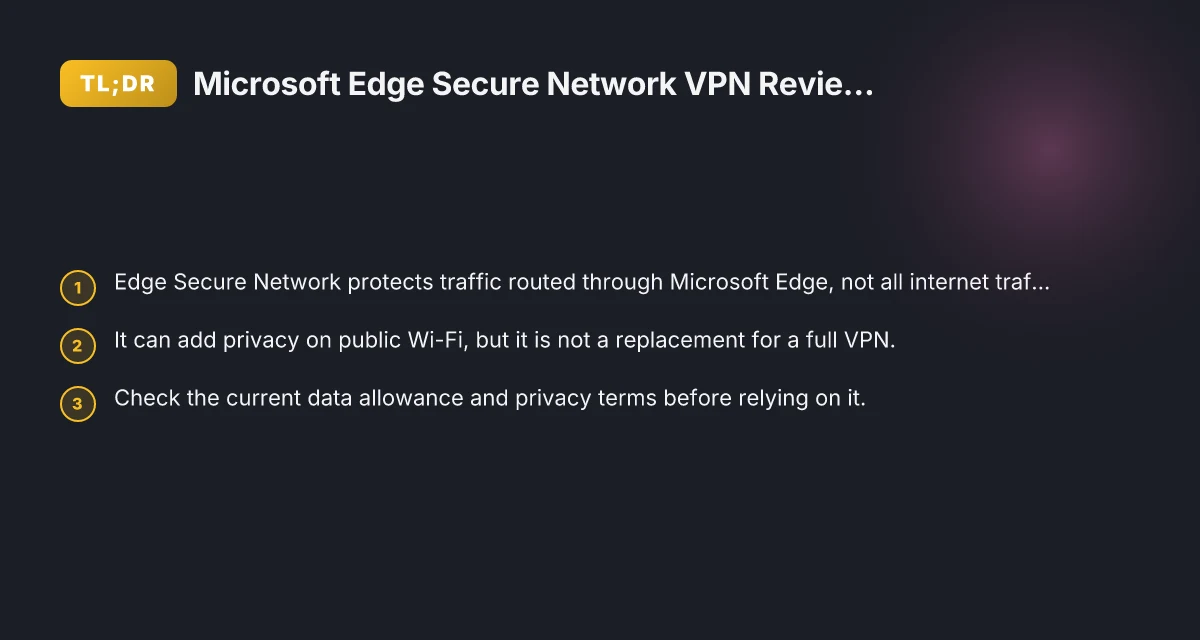
Microsoft Edge Secure Network is a useful browser-level privacy feature, but it is not a full-device VPN. It routes eligible Edge traffic through a privacy proxy, helping shield browsing activity from people on the same network. Reviews and user discussions commonly point to its limited scope and data cap as key drawbacks. It may suit occasional browsing, but people who need broad device protection or more control should consider a dedicated VPN.
Editor's pick: NordVPN — fast, secure VPN — Strong encryption, a no-logs policy and apps for every device. 30-day money-back guarantee. Get NordVPN →
Is Edge Secure Network right for you?
| User need | Fit | Why |
|---|---|---|
| Safer browsing on public Wi-Fi | Good | Adds protection to supported Edge traffic |
| Basic IP masking in Edge | Good | Hides your usual IP from visited sites |
| Free, occasional browser protection | Good | Available without a separate VPN subscription |
| Protecting every app on a device | Poor | Protection is limited to Edge |
| Choosing a country or server | Poor | Location selection is not offered |
| Heavy streaming or large downloads | Poor | Monthly allowance is limited |
| Advanced VPN controls | Poor | Fewer controls than a full VPN service |
| Reliable anonymity | Poor | Not a substitute for anonymity tools |
Compiled November 2026; check the provider's site for current details.
| VPN | Obfuscation | From / month | Plan | Free plan | Refund | Alipay | UnionPay | Crypto | Website opens in China | Trustpilot | |
|---|---|---|---|---|---|---|---|---|---|---|---|
 ZoogVPN | Turn on manually Shadow | $2.49/mo | 27 months: $59.99 | Yes | 7 days | ✓ | ✓ | ✓ | ✓ | Official site blocked; our special link opens (4.4 s) | 4.2/5 (195 reviews) |
 NordVPN | Turn on manually Obfuscated Servers / NordWhisper | $3.49/mo | 27 months: $94.23 | No | 30 days | ? | ✗ | ✓ | ✓ | ✗ Blocked | 4.2/5 (51,628 reviews) |
 ExpressVPN | ✓ On by default all servers | $3.00/mo | 28 months: $84 | No | 30 days | ✗ | ✗ | ✓ | ✗ | ✗ Blocked | 4.4/5 (29,706 reviews) |
 Surfshark | ✓ On by default Camouflage, with OpenVPN | See site | See site | No | 30 days | ✗ | ✗ | ✗ | ✓ | ✗ Blocked | 4.3/5 (31,823 reviews) |
 Proton VPN | Turn on manually Stealth, free plan too | $2.99/mo | 12 months: $35.88 | Yes | 30 days | ✗ | ✗ | ✗ | ✓ | ✗ Blocked | 2.1/5 (1,040 reviews) |
 Astrill VPN | Turn on manually StealthVPN / OpenWeb | $12.50/mo | 24 months: $300 | No | See site | ✗ | ✗ | ✗ | ✓ | ✗ Blocked | 1.3/5 (110 reviews) |
 Private Internet Access | Turn on manually Shadowsocks, OpenVPN only | $2.03/mo | 40 months: $81.2 | No | 30 days | ✗ | ✗ | ✗ | ✗ | ✗ Blocked | 4.2/5 (11,033 reviews) |
 CyberGhost | Turn on manually selected servers | $2.19/mo | 28 months: $61.32 | No | 45 days | ✗ | ✗ | ✗ | ✓ | ✗ Blocked | 4.0/5 (24,178 reviews) |
 PureVPN | Turn on manually switch to OpenVPN | $1.69/mo | 60 months: $101.55 | No | 31 days | ? | ? | ✗ | ✓ | ✗ Blocked | 4.4/5 (17,994 reviews) |
 AdGuard VPN | ✓ On by default TrustTunnel | $2.99/mo | 24 months: $71.76 | Yes | 30 days | ✓ | ✗ | ✓ | ✓ | Official site blocked; our special link opens (3.7 s) | 4.3/5 (290 reviews) |
 Mullvad | Turn on manually QUIC / Shadowsocks / LWO | $5.61/mo | €5/mo | No | 14 days | ✗ | ✗ | ✗ | ✓ | ✗ Blocked | 3.2/5 (192 reviews) |
 Windscribe | Turn on manually Stealth / WStunnel | $5.75/mo | 12 months: $69 | Yes | See site | ✗ | ✗ | ✗ | ✓ | ✗ Blocked | 4.7/5 (13,355 reviews) |
 StrongVPN | Turn on manually Scramble, OpenVPN TCP | See site | See site | No | 30 days | ✓ | ✗ | ✗ | ✗ | ✗ Blocked | 4.4/5 (2,695 reviews) |
 LightXtreme 闪连 | Not listed | $7.08/mo | 12 months: $84.99 | Yes | 30 days | ✓ | ✓ | ✓ | ✓ | ✓ Yes (3.5 s) | No page |
Prices checked 2026-11-10 on each vendor's pricing page (cheapest long plan, USD). Check the vendor's checkout for the final price.
Obfuscation checked 2026-11-14 on each vendor's site and help center: "on by default" = nothing to set; "turn on manually" = switch protocol or mode in settings; "not listed" = the vendor describes no obfuscation.
Payment methods checked 2026-11-10 on each vendor's payment pages: all 14 take cards and PayPal; ✗ = not listed, ? = the vendor's own pages disagree.
China access: whether the official website opens from mainland China networks (tests the website only, not the VPN connection). Last checked 2026-11-18 01:02 Beijing time.
Trustpilot score and review count checked 2026-11-10.
What is Microsoft Edge Secure Network?
Secure Network is a feature built into Microsoft Edge that uses Cloudflare’s Privacy Proxy Platform to route supported browser traffic. Microsoft presents it as a way to add privacy, especially when using an untrusted network such as public Wi-Fi.
The important distinction is what it covers: Secure Network protects traffic within Edge, rather than all connections made by your device. Apps outside the browser, such as email clients or other browsers, do not automatically use it. Some technical analyses describe the feature as a browser proxy rather than a conventional VPN tunnel.
That difference does not make the feature useless. It does mean that “VPN” can give users a broader impression of its protection than the feature actually provides.
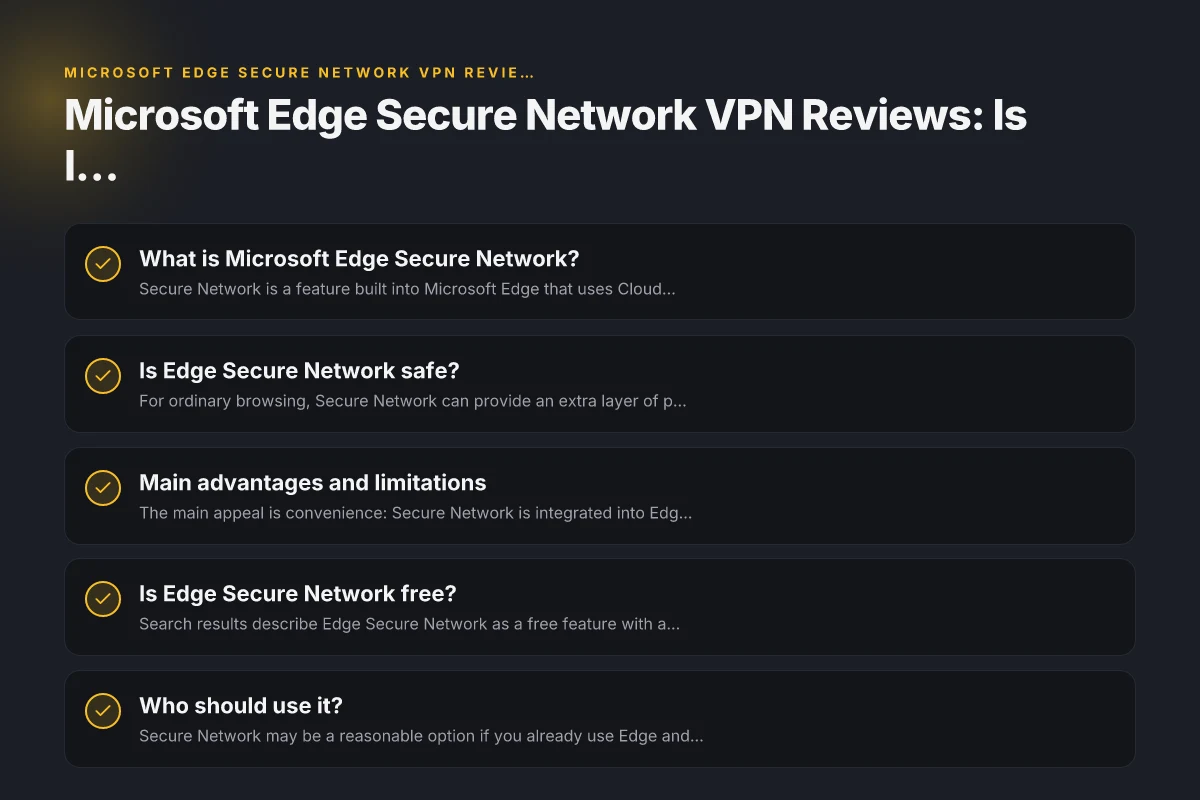
Is Edge Secure Network safe?
For ordinary browsing, Secure Network can provide an extra layer of privacy by routing eligible Edge traffic through its service. This may make it harder for others on a local network to inspect that traffic directly. However, no privacy tool makes every online activity anonymous or guarantees protection from tracking. Nord VPN in China: Does It Work and How to Prepare
Your destination websites can still identify you through information you provide, cookies, or other browser signals. Secure Network also does not protect traffic from apps outside Edge. As with any service that handles internet traffic, users should review Microsoft’s current privacy information to understand what data is processed and how the service operates.
Online discussions raise questions about data collection and possible IP exposure. Those are reasons to check the latest documentation and test the feature in your own setup, not proof that every user’s IP is exposed. Avoid relying on Secure Network as a high-risk privacy tool without confirming that it meets your specific needs.
For stronger everyday safety, keep Edge and your operating system updated, use secure websites, and be cautious with downloads and links. A VPN is only one part of a broader security approach.
Main advantages and limitations
The main appeal is convenience: Secure Network is integrated into Edge, so users do not necessarily need to install a separate browser extension to access browser-level protection. It can be helpful when you want a quick privacy boost for browsing on a shared network. Does Microsoft Edge Have VPN? What Edge Secure Network Does
Its limitations matter just as much:
- Browser-only coverage: It does not protect every app or connection on your device.
- A data cap: Search results and user reports identify a usage limit, with no provision for purchasing data add-ons. Check the current allowance, as availability and terms can change.
- Limited control: It is not designed to offer the same range of location, server, or configuration choices as many dedicated VPN services.
- Not an anonymity guarantee: Websites may still track you through accounts, cookies, and other identifying information.
- Service and eligibility requirements: Access may depend on current Edge availability, sign-in, or other conditions. Check the settings and Microsoft’s latest guidance for your account and region.
| Feature | Edge Secure Network | Dedicated VPN |
|---|---|---|
| Traffic covered | Eligible traffic in Edge | Often device-wide, depending on the app and settings |
| Setup | Built into Edge | Usually requires installing an app |
| Data allowance | Subject to a stated limit | Depends on the provider and plan |
| Server and location choices | Limited | Often offers more choices |
| Best suited for | Occasional browser privacy | Broader, configurable VPN coverage |
The comparison is general: features differ among VPN providers, and Secure Network’s terms may change.
Is Edge Secure Network free?
Search results describe Edge Secure Network as a free feature with a data cap. Since exact availability, limits, and sign-in requirements can change, check the Secure Network controls in your Edge settings and the latest Microsoft information rather than relying on an old review or forum post.
A data allowance can be enough for occasional web browsing, but it may be restrictive for frequent use or data-heavy activity. If you reach the limit, the feature may no longer meet your needs until its allowance becomes available again. Search results also note that the service does not offer data add-ons. How to Enable VPN in Edge: Turn On Microsoft Edge Secure Network
Who should use it?
Secure Network may be a reasonable option if you already use Edge and want a convenient layer of privacy for occasional browsing, especially on public Wi-Fi. It is best understood as a focused browser feature, not a complete security package.
It is less suitable if you want to:
- Protect traffic from several apps, not just Edge.
- Use a VPN regularly for high volumes of data.
- Choose among many server locations or advanced connection settings.
- Rely on a VPN for sensitive work without first reviewing its technical and privacy details.
If you need broad coverage, compare reputable dedicated VPN services and read their privacy policies carefully. A provider’s claims should be evaluated rather than taken as a guarantee of anonymity.
Recommendation
Overall, Microsoft Edge Secure Network is a convenient browser privacy feature with meaningful limits. Use it for occasional protection of eligible Edge traffic if its current data allowance and terms work for you. Do not treat it as a full-device VPN or a guarantee of anonymity. Choose a dedicated VPN if you need wider coverage, higher usage, or more control. VPN Extension Edge: How to Choose and Use One Safely