IPVanish Login: How to Sign In and Fix Common Problems
Learn how to log in to IPVanish, access your account dashboard, and troubleshoot common sign-in issues.
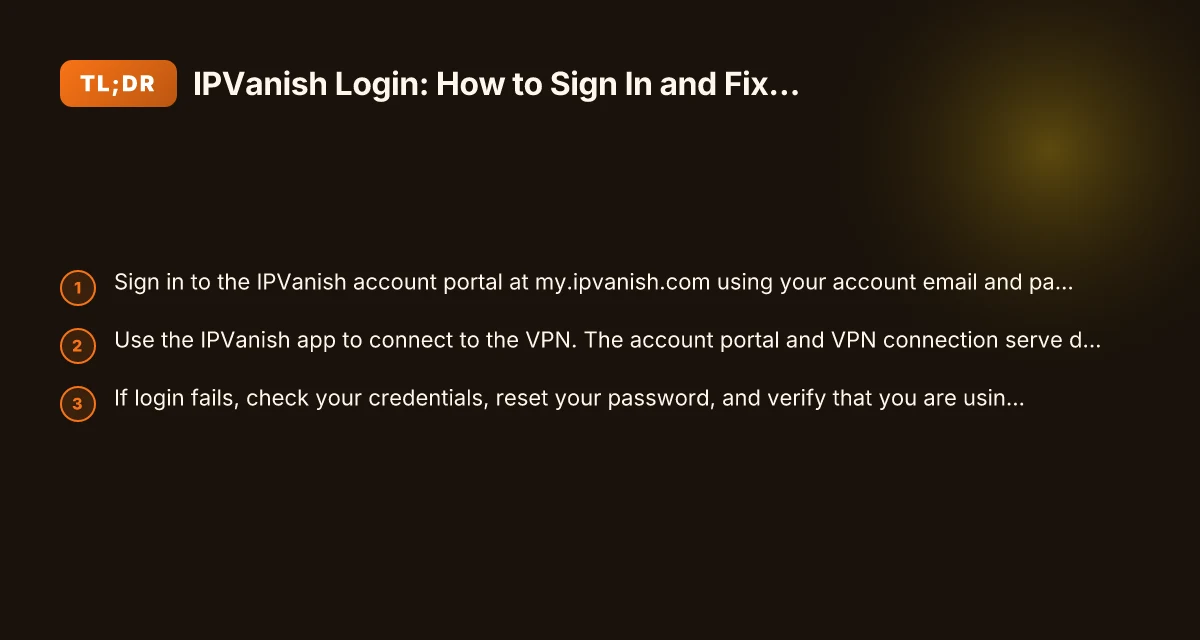
To complete an IPVanish login, go to my.ipvanish.com and enter the email address and password associated with your account. This opens your account portal, where you can manage account details. To use the VPN, sign in through the IPVanish app on your device and connect to a server.
Editor's pick: NordVPN — fast, secure VPN — Strong encryption, a no-logs policy and apps for every device. 30-day money-back guarantee. Get NordVPN →
Which IPVanish sign-in should you use?
| Sign-in option | Best for | What you need | What it opens | If sign-in fails |
|---|---|---|---|---|
| Account portal | Managing your account | IPVanish account credentials | Account and subscription settings | Reset your password |
| VPN app | Connecting to the VPN | IPVanish account credentials | VPN connection controls | Check your account credentials |
| Account portal in a browser | Accessing account settings online | Web browser and credentials | Account portal | Try another browser or reset password |
| VPN app on a device | Using VPN protection | Installed app and credentials | VPN features | Check app and subscription status |
| Password reset | Regaining account access | Access to your account email | Password recovery | Check your inbox and spam folder |
| Support contact | Getting help with unresolved issues | Account details and issue description | IPVanish support | Provide relevant account information |
Compiled November 2026; check the provider's site for current details.
How to log in to your IPVanish account
- Open a browser and go directly to my.ipvanish.com.
- Enter the email address linked to your IPVanish account.
- Type your password and submit the form.
- Once signed in, use the account dashboard to review or update available account settings.
Use the official IPVanish website or app rather than links from unfamiliar messages or search ads. If you are already on the IPVanish website, follow its account or sign-in link to reach the portal.
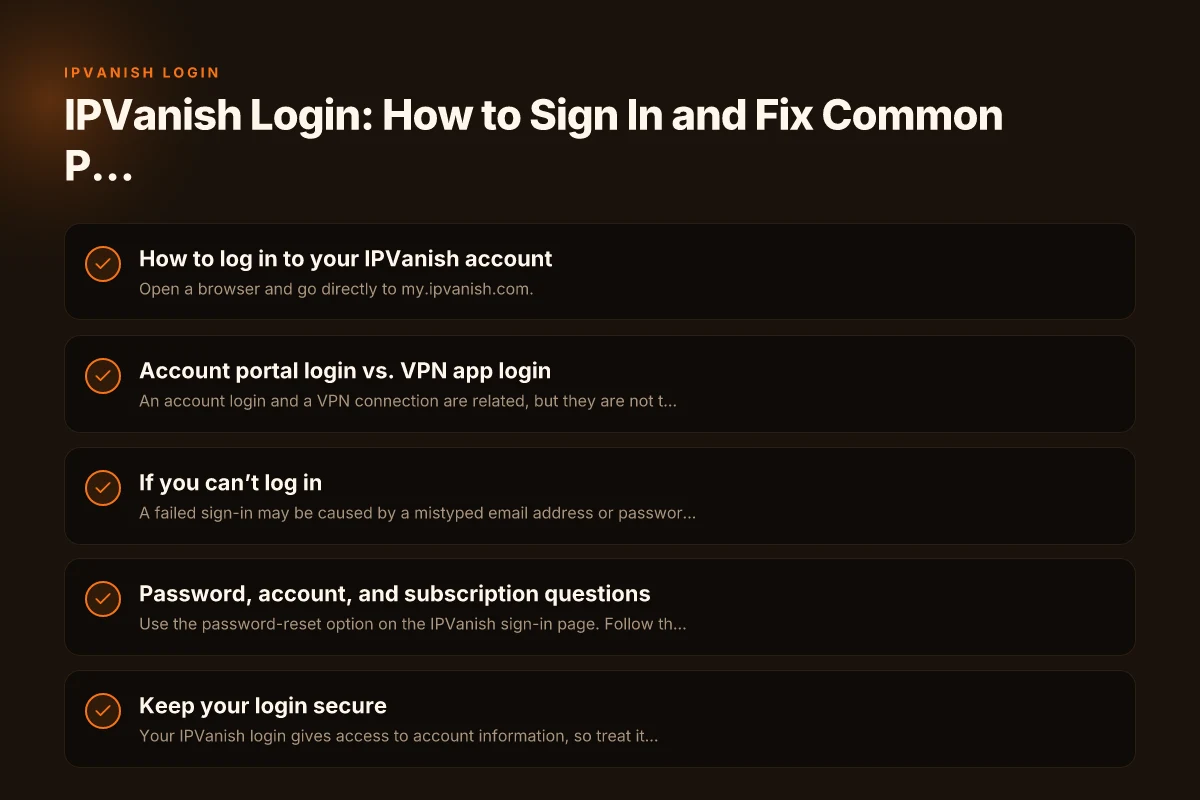
Account portal login vs. VPN app login
An account login and a VPN connection are related, but they are not the same task. The portal is for managing your account. The app is for connecting your device to the VPN.
| Where you sign in | What it’s for | What to do afterward |
|---|---|---|
| IPVanish account portal | Managing account information and subscription settings | Review or update available account details |
| IPVanish app | Using IPVanish VPN on your device | Choose a server and connect |
To browse through IPVanish, install or open the app for your device and sign in with your IPVanish credentials. The app can then help secure your internet traffic when you connect. On Google Play, the IPVanish app is described as offering VPN access and allowing users to change their location and IP address.
What to check when you can’t log in Free VPN: How to Choose One Safely
| Problem | What to check | Recommended action | Where to do it | If it still fails |
|---|---|---|---|---|
| Forgotten password | Whether the password is correct | Use password reset | Account portal | Contact support |
| Incorrect credentials | Email or username and password | Re-enter them carefully | Portal or VPN app | Reset the password |
| Portal access issue | Browser or connection problem | Try another browser or connection | Web browser | Contact support |
| VPN app sign-in issue | App version and entered credentials | Update the app and sign in again | VPN app | Check account status |
| Subscription issue | Whether the account is active | Review subscription details | Account portal | Contact support |
| Account access concern | Unrecognized account activity | Secure the account and update credentials | Account portal | Ask support for help |
Compiled November 2026; check the provider's site for current details.
If you can’t log in
A failed sign-in may be caused by a mistyped email address or password, using credentials for a different account, or an issue with the sign-in page. Try these steps:
- Check the email address. Use the address associated with your IPVanish account, not necessarily a username you use elsewhere.
- Re-enter your password carefully. Check capitalization, spaces, and whether your device is filling in an old saved password.
- Reset your password. Use the password-reset option on the official sign-in page and follow its instructions.
- Try another browser or device. This can help determine whether a browser setting or saved data is causing the problem.
- Open the official portal directly. Enter my.ipvanish.com in your browser instead of relying on an unfamiliar link.
- Check your connection. Confirm that your device is online before attempting to sign in.
If you can access the account portal but not the VPN, the issue may be with the app or its connection rather than your account login. Close and reopen the app, check that you are signed in there, and try connecting again. If the problem continues, consult IPVanish support through its official website.
Password, account, and subscription questions
What if I forgot my password?
Use the password-reset option on the IPVanish sign-in page. Follow the prompts using the email address linked to your account. If the reset message does not arrive, check your spam or junk folder and make sure you entered the correct email address. Sslvpn poscoenc.com: Access and Troubleshooting Guide
How do I update my account?
Sign in to the account portal at my.ipvanish.com with your account email and password. The portal is the appropriate place to review available account information and settings.
How do I cancel my subscription?
Cancellation depends on how you subscribed and the relevant account or billing arrangements. Start by signing in to the official IPVanish account portal and reviewing the subscription settings. If you subscribed through an app store or another provider, check that provider’s subscription-management instructions. Contact official IPVanish support if you cannot find the applicable cancellation option.
Keep your login secure
Your IPVanish login gives access to account information, so treat it like any other important password. Use a password that is difficult to guess, avoid sharing it, and don’t enter it on pages you cannot verify as official.
When signing in on a shared device, avoid saving your password and sign out when finished. If you believe someone else may know your credentials, change your password through the official account portal and review your account settings. Free VPN Extension for Edge: How to Choose One Safely
Recommendation
For a straightforward IPVanish login, go directly to my.ipvanish.com and sign in with your account email and password. Use the IPVanish app, not just the account portal, to connect to the VPN. If you’re locked out, verify your email and reset your password through the official sign-in page before contacting support.