EqualVPN: What It Offers and Who It May Suit
Learn what EqualVPN advertises, how its static residential IP service works, and what to check before choosing it.
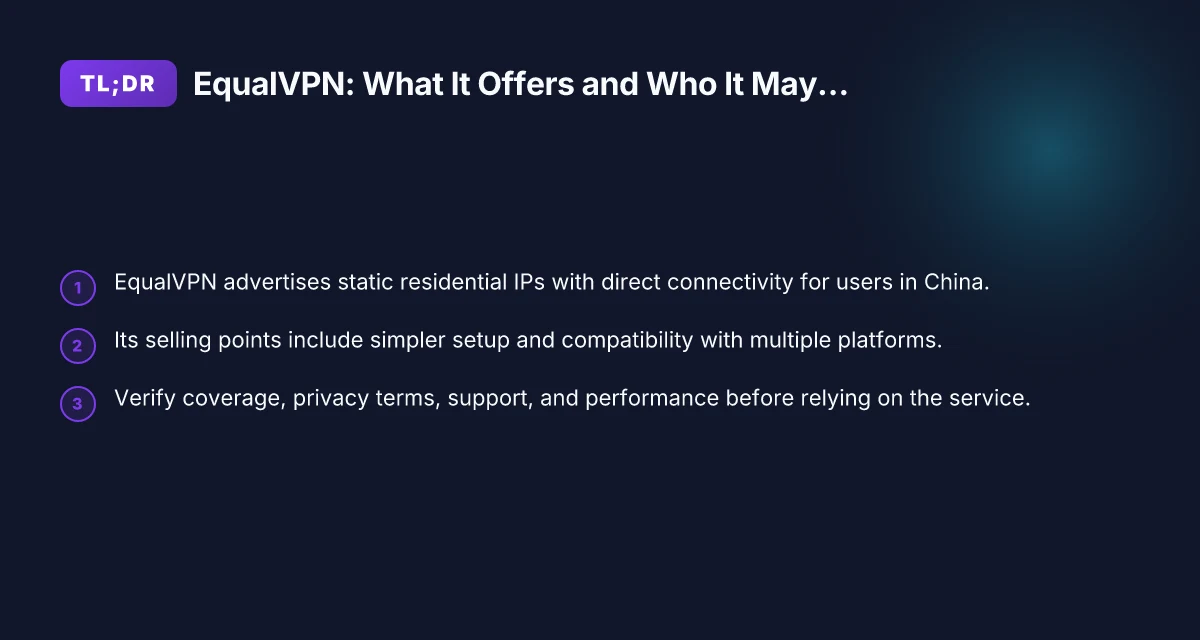
EqualVPN is a service that advertises static residential IP connections with direct access from China. It is positioned for people who need a consistent residential-style network exit for services such as AI tools or social media platforms, and who want to avoid complicated multi-step configurations. The provider also promotes compatibility across platforms and importing a connection link for setup.
Those are product claims, not guarantees. Whether a particular service works reliably depends on the destination platform, location, device, network conditions, and the provider’s current offering. If you are considering EqualVPN, confirm the details that matter to your use case before subscribing.
| VPN | Obfuscation | From / month | Plan | Free plan | Refund | Alipay | UnionPay | Crypto | Website opens in China | Trustpilot | |
|---|---|---|---|---|---|---|---|---|---|---|---|
 ZoogVPN | Turn on manually Shadow | $2.49/mo | 27 months: $59.99 | Yes | 7 days | ✓ | ✓ | ✓ | ✓ | Official site blocked; our special link opens (4.4 s) | 4.2/5 (195 reviews) |
 NordVPN | Turn on manually Obfuscated Servers / NordWhisper | $3.49/mo | 27 months: $94.23 | No | 30 days | ? | ✗ | ✓ | ✓ | ✗ Blocked | 4.2/5 (51,628 reviews) |
 ExpressVPN | ✓ On by default all servers | $3.00/mo | 28 months: $84 | No | 30 days | ✗ | ✗ | ✓ | ✗ | ✗ Blocked | 4.4/5 (29,706 reviews) |
 Surfshark | ✓ On by default Camouflage, with OpenVPN | See site | See site | No | 30 days | ✗ | ✗ | ✗ | ✓ | ✗ Blocked | 4.3/5 (31,823 reviews) |
 Proton VPN | Turn on manually Stealth, free plan too | $2.99/mo | 12 months: $35.88 | Yes | 30 days | ✗ | ✗ | ✗ | ✓ | ✗ Blocked | 2.1/5 (1,040 reviews) |
 Astrill VPN | Turn on manually StealthVPN / OpenWeb | $12.50/mo | 24 months: $300 | No | See site | ✗ | ✗ | ✗ | ✓ | ✗ Blocked | 1.3/5 (110 reviews) |
 Private Internet Access | Turn on manually Shadowsocks, OpenVPN only | $2.03/mo | 40 months: $81.2 | No | 30 days | ✗ | ✗ | ✗ | ✗ | ✗ Blocked | 4.2/5 (11,033 reviews) |
 CyberGhost | Turn on manually selected servers | $2.19/mo | 28 months: $61.32 | No | 45 days | ✗ | ✗ | ✗ | ✓ | ✗ Blocked | 4.0/5 (24,178 reviews) |
 PureVPN | Turn on manually switch to OpenVPN | $1.69/mo | 60 months: $101.55 | No | 31 days | ? | ? | ✗ | ✓ | ✗ Blocked | 4.4/5 (17,994 reviews) |
 AdGuard VPN | ✓ On by default TrustTunnel | $2.99/mo | 24 months: $71.76 | Yes | 30 days | ✓ | ✗ | ✓ | ✓ | Official site blocked; our special link opens (3.7 s) | 4.3/5 (290 reviews) |
 Mullvad | Turn on manually QUIC / Shadowsocks / LWO | $5.61/mo | €5/mo | No | 14 days | ✗ | ✗ | ✗ | ✓ | ✗ Blocked | 3.2/5 (192 reviews) |
 Windscribe | Turn on manually Stealth / WStunnel | $5.75/mo | 12 months: $69 | Yes | See site | ✗ | ✗ | ✗ | ✓ | ✗ Blocked | 4.7/5 (13,355 reviews) |
 StrongVPN | Turn on manually Scramble, OpenVPN TCP | See site | See site | No | 30 days | ✓ | ✗ | ✗ | ✗ | ✗ Blocked | 4.4/5 (2,695 reviews) |
 LightXtreme 闪连 | Not listed | $7.08/mo | 12 months: $84.99 | Yes | 30 days | ✓ | ✓ | ✓ | ✓ | ✓ Yes (3.5 s) | No page |
Prices checked 2026-11-10 on each vendor's pricing page (cheapest long plan, USD). Check the vendor's checkout for the final price.
Obfuscation checked 2026-11-14 on each vendor's site and help center: "on by default" = nothing to set; "turn on manually" = switch protocol or mode in settings; "not listed" = the vendor describes no obfuscation.
Payment methods checked 2026-11-10 on each vendor's payment pages: all 14 take cards and PayPal; ✗ = not listed, ? = the vendor's own pages disagree.
China access: whether the official website opens from mainland China networks (tests the website only, not the VPN connection). Last checked 2026-11-18 01:02 Beijing time.
Trustpilot score and review count checked 2026-11-10.

Editor's pick: NordVPN — fast, secure VPN — Strong encryption, a no-logs policy and apps for every device. 30-day money-back guarantee. Get NordVPN →
Compare VPN options by the features that may matter
| Factor | EqualVPN | Standard VPN | No VPN |
|---|---|---|---|
| Static residential IP | Check current plan details | Usually not included | Not included |
| Residential IP type | Check provider details | Typically data-center IP | ISP-assigned IP |
| IP consistency | Check whether the address stays fixed | Often changes by server or session | Usually consistent at home |
| Location choice | Check available locations | Often offers multiple locations | Limited to ISP location |
| Encryption | Check protocol and settings | Commonly supported | Not provided by VPN |
| Account sharing | Check plan terms | Varies by provider | Not applicable |
| Best fit | Need a residential IP through a VPN | General privacy and location options | Use from a trusted home network |
Compiled November 2026; check the provider's site for current details.
What EqualVPN offers
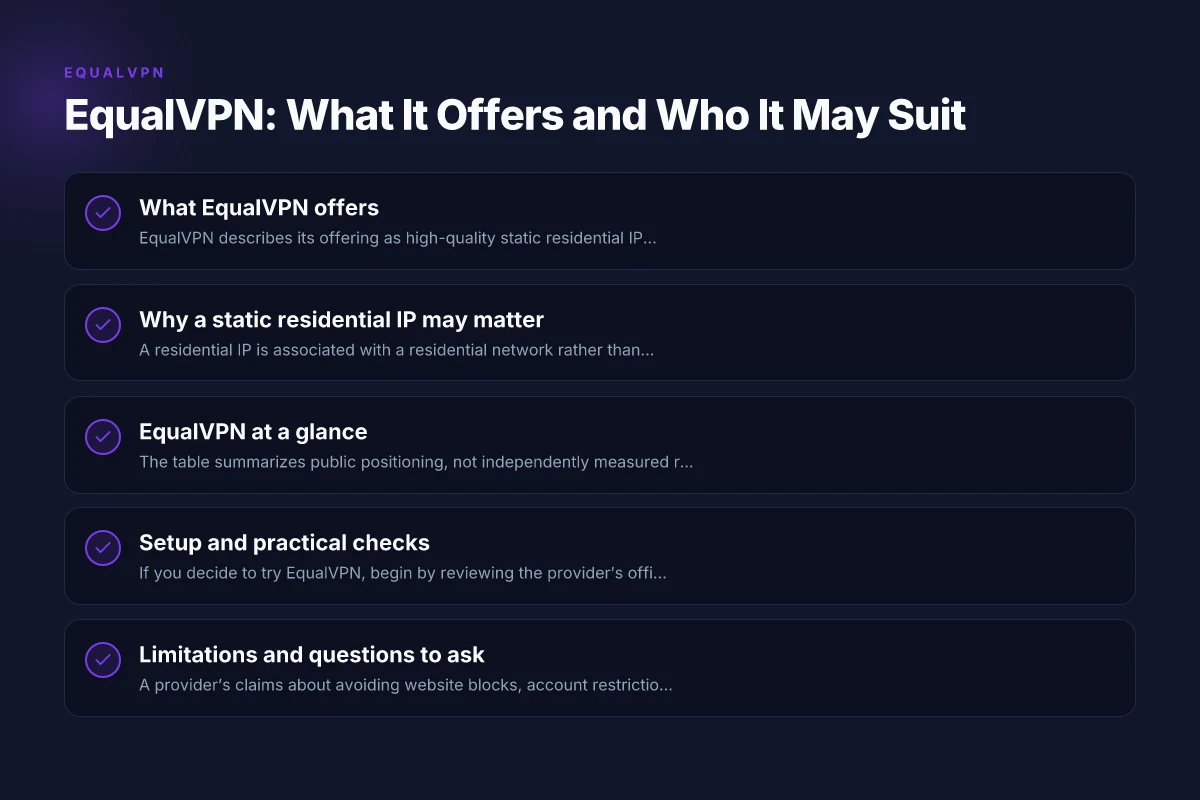
EqualVPN describes its offering as high-quality static residential IP service, with direct connectivity for users in China. A static IP is intended to remain consistent rather than changing frequently. That can be useful for workflows where repeated changes of network location cause extra verification or interrupt a session.
The service also emphasizes a straightforward setup process. Its public descriptions say users can download an app or import a link, rather than building a more complex chain of network connections themselves. Exact setup steps and supported devices should be confirmed with EqualVPN, since app availability and configuration instructions may change.
The provider’s marketing mentions use with AI services and platforms such as TikTok. These references indicate the kinds of use cases it targets. They do not mean access, account acceptance, or uninterrupted performance is assured. Platforms set their own rules and may restrict activity for reasons unrelated to the IP address.
Why a static residential IP may matter
A residential IP is associated with a residential network rather than a conventional data-center connection. Some websites and online services use network signals as part of risk checks, alongside account history, device details, location consistency, and user behavior. A residential IP may therefore be relevant for users seeking a more consistent connection profile. Windows VPN: How to Set Up a Connection and Choose a Provider
Static access can also simplify repeat use. If the same IP remains assigned, users may not need to adjust workflows every time they connect. However, a static address is not automatically private, secure, or accepted by every website. It can also make activity more consistently associated with the same network identity.
Before choosing a service, consider what you actually need:
- Consistency: Does the provider explain whether the IP is dedicated to you or shared?
- Location: Are the countries or regions you need available?
- Compatibility: Does the service support your operating system and intended apps?
- Connection quality: Can you test performance from your own network?
- Account safety: Are your planned uses permitted by the platforms involved?
EqualVPN at a glance
| Feature | What EqualVPN advertises | What to verify |
|---|---|---|
| IP type | Static residential IPs | Whether the address is dedicated, shared, or subject to change |
| Connectivity | Direct connection from China | Availability and performance on your specific ISP and location |
| Setup | App use or link import, with less complex configuration | Supported devices, setup instructions, and troubleshooting options |
| Intended uses | AI tools and social media platforms | Platform terms and whether your specific activity is allowed |
| Network quality | High quality and low latency are promoted | Real-world speed, stability, and performance during your typical usage |
The table summarizes public positioning, not independently measured results. Ask the provider for current service specifications and test the connection where possible.
Check setup and fit before choosing Free VPN for Microsoft Edge: What You Can Use and How to Enable It
| Question | What to verify | Why it matters | If unclear |
|---|---|---|---|
| Is the IP static? | Plan description or support reply | A fixed IP can help with repeat access | Ask whether it can change |
| Is it residential? | IP type and sourcing details | Services may treat residential and data-center IPs differently | Request a clear explanation |
| Is the location suitable? | Available locations | Location can affect access and service behavior | Confirm before purchase |
| Does your app work? | Device, operating system, and app support | Setup depends on your devices | Test on the intended device |
| Are there usage limits? | Plan terms and fair-use policy | Limits may affect everyday use | Ask about restrictions |
| Can you cancel? | Billing and refund terms | Helps avoid unwanted renewal | Read the terms first |
Compiled November 2026; check the provider's site for current details.
Setup and practical checks
If you decide to try EqualVPN, begin by reviewing the provider’s official site and current documentation. Check which client or configuration method applies to your device, and follow the provider’s instructions rather than relying on outdated third-party walkthroughs.
Before using the connection for important work, test it with ordinary browsing and the services you intend to access. Check whether the location shown by relevant services matches your expectations, whether the connection stays stable, and whether any apps need separate configuration. Avoid assuming that a connection will behave identically across different devices or networks.
It is also sensible to review account and privacy practices. Read the service’s privacy policy and terms to understand what connection data may be collected, how it is handled, and how to contact support. Use strong, unique passwords for your accounts and enable available account security features. A residential IP service does not replace those basic protections. Edge Secure Network VPN Review: Is Microsoft Edge’s VPN Worth Using?
Limitations and questions to ask
A provider’s claims about avoiding website blocks, account restrictions, or reduced AI service quality should be treated cautiously. Online platforms can change their detection systems and policies at any time. An IP address alone cannot guarantee a particular result, and using a network service does not override a platform’s terms.
Before paying, ask EqualVPN:
- Which locations and devices are currently supported?
- Is the static IP exclusive to one customer or shared?
- What happens if the IP becomes unavailable or needs to change?
- Are there usage limits or restrictions?
- What support channels and refund terms apply?
- How are connection and account-related data handled?
Also compare the complete service terms, not just promotional descriptions. Avoid sharing sensitive credentials through unofficial channels, and use the provider’s official website to check current information.
Match a static residential IP to your use case FortiClient VPN Windows 11: Install, Set Up, and Troubleshoot
| Use case | Potential benefit | Key check | Possible drawback |
|---|---|---|---|
| Repeat sign-ins | A consistent IP may reduce location changes | Confirm the IP remains fixed | Services may still require extra checks |
| Remote work | A stable address may suit access controls | Check employer approval and setup | May not meet workplace security rules |
| Account management | One address can make access more consistent | Review each service’s policies | Some services restrict VPN use |
| Location-sensitive access | A chosen location may help with access needs | Verify location availability | Access is not guaranteed |
| General browsing privacy | VPN encryption can protect traffic in transit | Check protocol and device support | A residential IP does not ensure anonymity |
| Sensitive activity | VPN use may add a layer of protection | Review provider policies and threat model | No VPN replaces secure account practices |
Compiled November 2026; check the provider's site for current details.
Recommendation
EqualVPN may be worth evaluating if you specifically need a static residential IP, direct connectivity from China, and a simpler setup than a manually assembled connection chain. Its advertised features are relevant to those needs, but performance, privacy practices, and compatibility should be confirmed rather than assumed.
Review the current terms, ask about IP allocation and support, and test the service with low-risk activity before making it part of an important workflow. Choose it only if its verified details match your requirements and your intended use complies with the rules of the platforms you access.